Advertise
Reach people planning their life with Israel
Readers here are planning trips, making aliyah, converting money and following the country daily. Sponsored placement puts your brand beside those decisions - prepaid, priced by your own bid, pause any time.
Listing
Free
claim it in a minute, permanent
Directory plans
$29
a month, with the checkmark and ad credit
Clicks from
$0.50
you set the bid
Contracts
None
prepaid, pause any time
Where you appear
Seven sections. This is what they look like.
Choose the sections yourself or leave placement on Auto and we match your category. Every card below is the live page - click through and see where you'd sit.
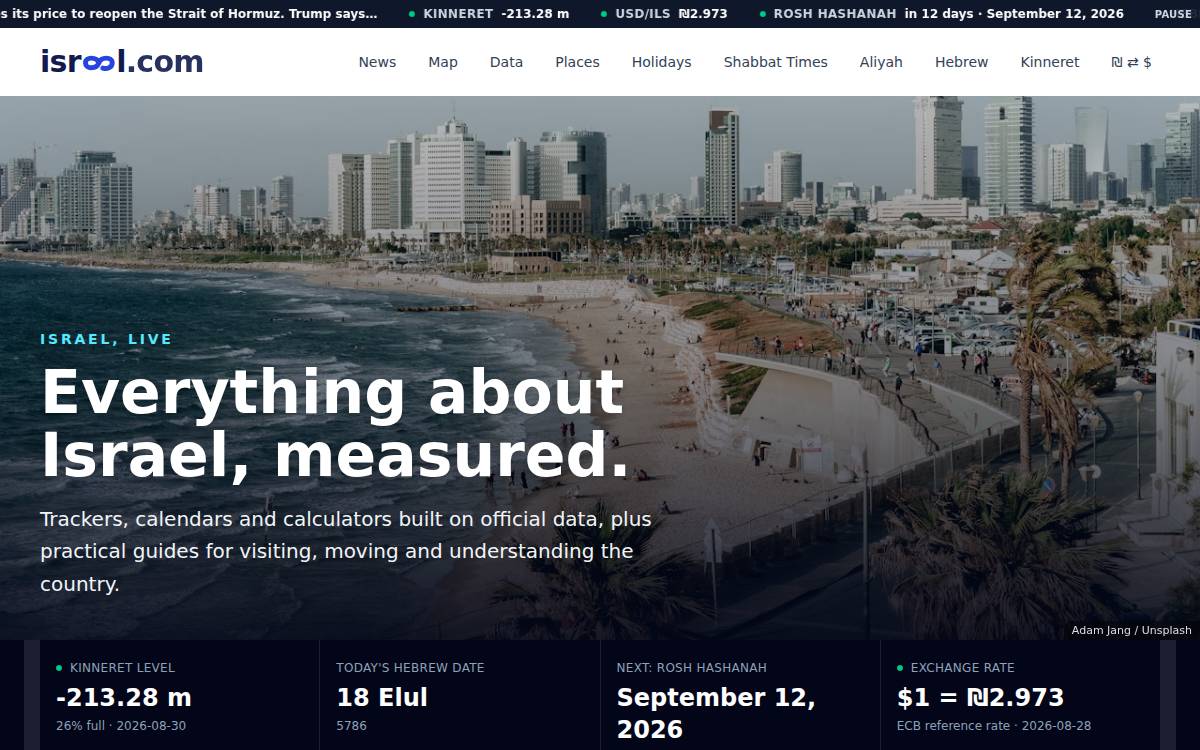 HomepageSee it live →The israel.com front page
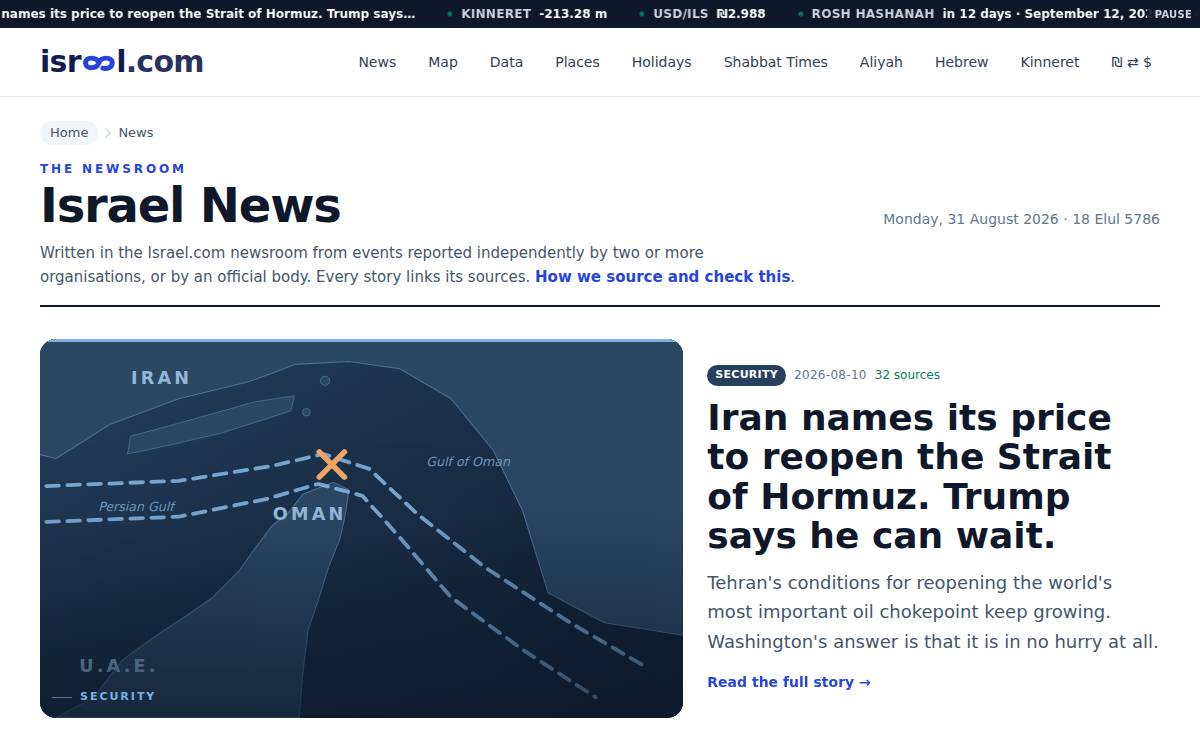 NewsSee it live →The newsroom index and under articles
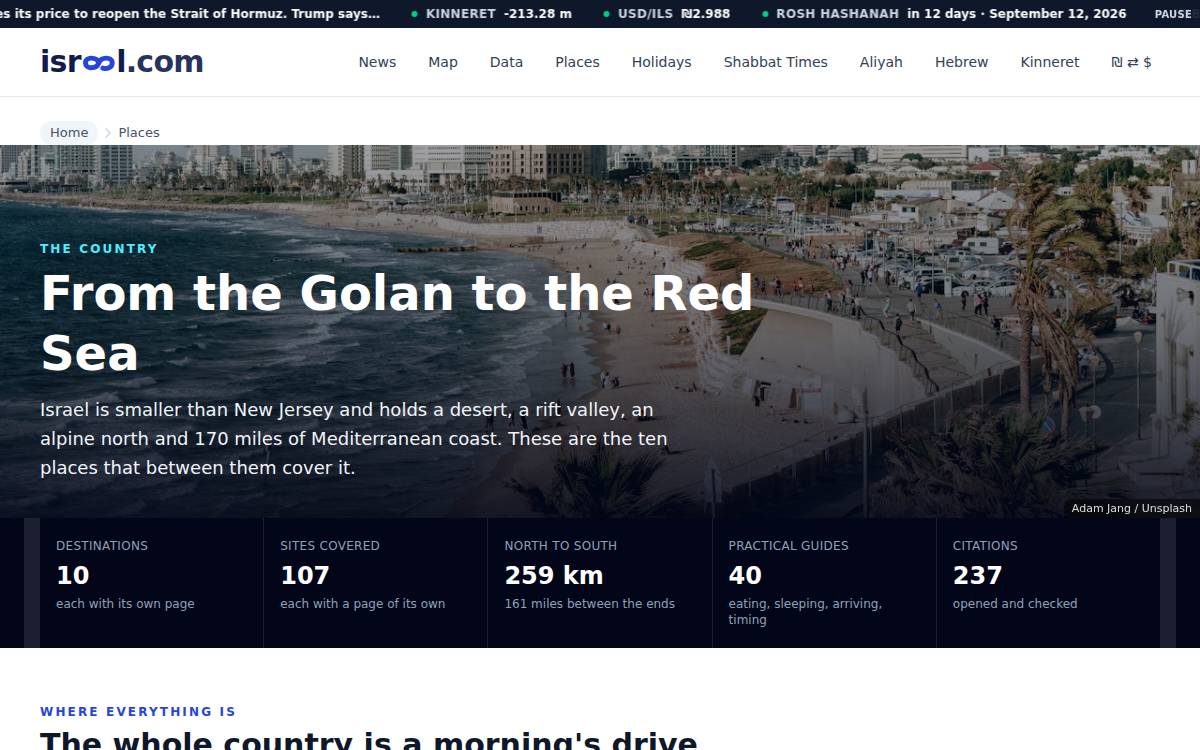 Travel & PlacesSee it live →Destination guides, things to do, hotels and restaurants
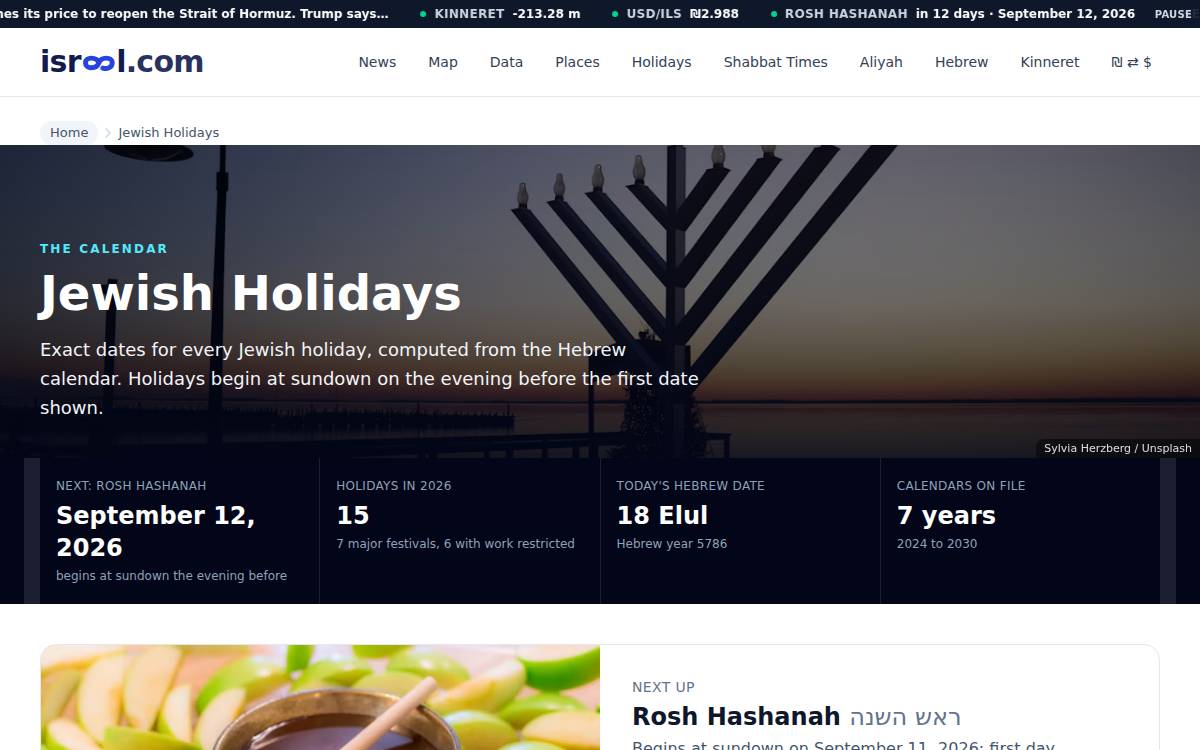 Jewish Calendar & ToolsSee it live →Holidays, Shabbat times, Hebrew date tools
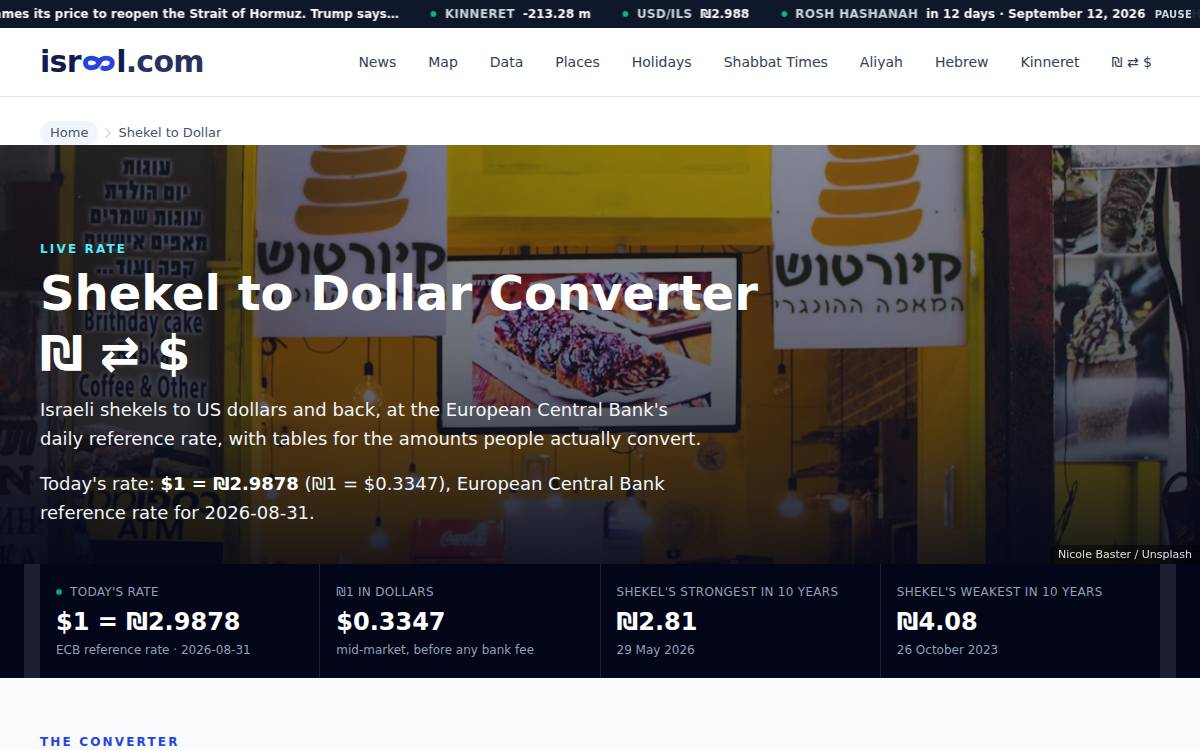 Money & DataSee it live →Shekel converter, cost of living, data pages
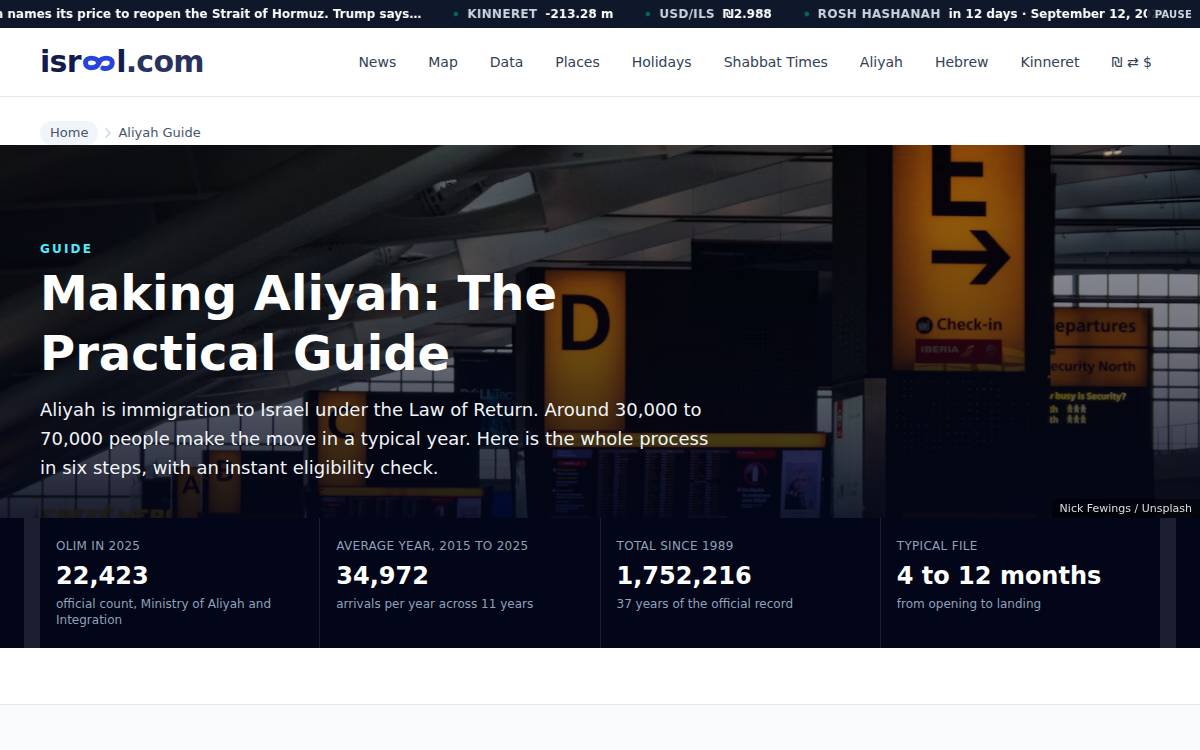 AliyahSee it live →The aliyah guide and statistics
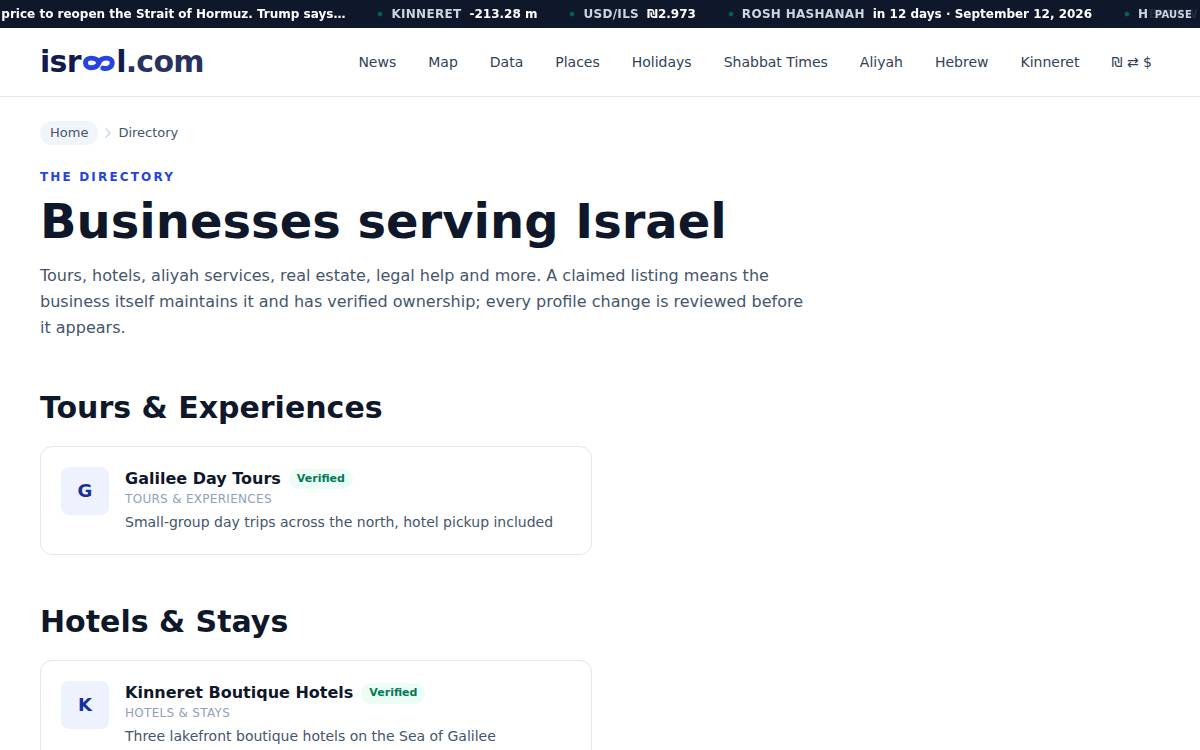 Business DirectorySee it live →The Israel.com brand directory
How position works
Your bid is your position
Eligible advertisers rank by their bid per click, highest first. Nothing else to optimize, nobody to negotiate with.
Example bids. The top 3 serve; everyone under the line waits for a better bid. Your dashboard draws this same picture for your bid, live, before you spend anything.
How it works
Four steps, no sales call
The whole program is self-serve: you control the copy, the bid, the placements and the budget.
- 1
Claim or create your listing - free
If we already list your business, claim it; if not, create it. Claiming costs nothing and the listing is permanent: no renewals, no card.
- 2
Prove it is yours, the easy way
Sign up with an email at your company's domain and you are done on the spot. Otherwise pick whichever is easiest: a link sent to the email on your listing, a small tag on your website, a photo of your business licence, or a DNS record for whoever manages your domain.
- 3
Set your bid and your reach
Choose what a click is worth to you (from $0.50) and watch the position preview move as you type. Pick sections, or leave placement on Auto. Exclude countries you don't serve.
- 4
Fund it and go live
Add prepaid balance (from $50) by card through Stripe. Every click is billed at your bid and logged with its page, country and device. Optional auto-refill keeps it topped up.
Where we draw the line
Israel.com does not sell editorial coverage. Sponsorship buys clearly-labelled placement beside the content - never a mention inside an article, a ranking in a guide, or a review. Every profile edit is reviewed before it appears, clicks from bots and repeat visitors are not billed, and you can see every click you paid for, with its page, country and device, in your dashboard.
Frequently asked questions
What does the listing cost?+
Nothing. Claiming gives you a permanent listing in the Israel.com business directory at your own URL, control over how it reads, and analytics on who is viewing it. It never expires and there is nothing recurring to cancel.
What is the Verified checkmark?+
A checkmark beside your name on your page and in every directory list, showing readers the business itself stands behind the page. It comes with a directory plan: Business at $29 a month or Featured at $49 (₪99 and ₪179 when you buy from Israel), with $10 of ad credit every month on either plan. The plans are at israel.com/advertise/plans.
How is my position decided?+
By bid. The advertisers eligible for a section are ranked by their maximum cost-per-click, highest first. Your dashboard shows the position your current bid buys before you spend anything.
What am I charged for a click?+
Your own maximum bid, only for genuine clicks. Bot traffic and repeat clicks from the same visitor within 24 hours are recorded but free. Clicks land on your site with UTM parameters so you can verify everything in your own analytics.
What happens when my balance runs out?+
Your placements simply stop serving until you top up - you are never billed beyond what you prefunded. Optional auto-refill adds your chosen amount when the balance falls below $100 (you can change the threshold).
Can I exclude countries?+
Yes. Readers in countries on your exclusion list never see your placements, and are never billed to you.
Ready when you are
Listing takes about five minutes. Your card is only charged when you choose to claim.
Start now